accudemiaa
accudemia
Aug 13

Clarify colors of appointment status

Currently "showed up" and "scheduled" are both green. Changing "scheduled" to a different color (like blue) would make the difference between "showed up", "scheduled", and "no show" more distinct at a glance.
ReviewingReviewing

May 7, 2025

While it’s a good idea, we are trying to minimize using color as a differentiator because of the accessibility guidelines. We have went ahead and added colorblind mode to help with those having trouble with using the color-coded statuses.

Jul 2, 2025

Nick Armstrong Hi Nick, It's great that the colorblind mode was added! We would still greatly benefit from a way to differentiate between online and in person modalities, whether it is with use of color or symbols. Thanks!

Jul 2, 2025

Linda Hucks - Thanks for the additional feedback. This will help when determining to implement this idea in the future.

Mar 19, 2026

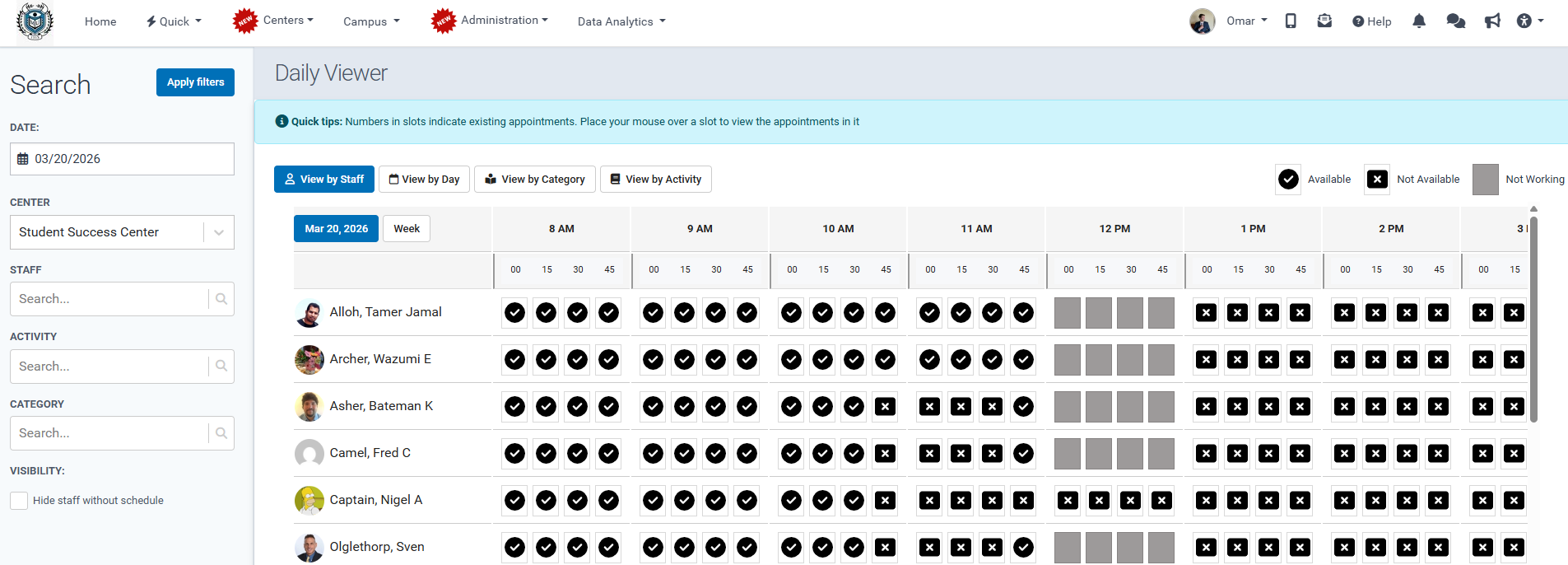
Nick Armstrong This issue arose again with the new look of the daily viewer. Our staff finds it very difficult to look at the screen with the spaced between columns. To revisit the colorblind issue, red/green are the most common colorblindness. It would be great to use colors that are both more accessible and pleasing to the eye. This article has suggestions. chrome-extension://efaidnbmnnnibpcajpcglclefindmkaj/https://www.nceas.ucsb.edu/sites/default/files/2022-⁠06/Colo…

Mar 20, 2026

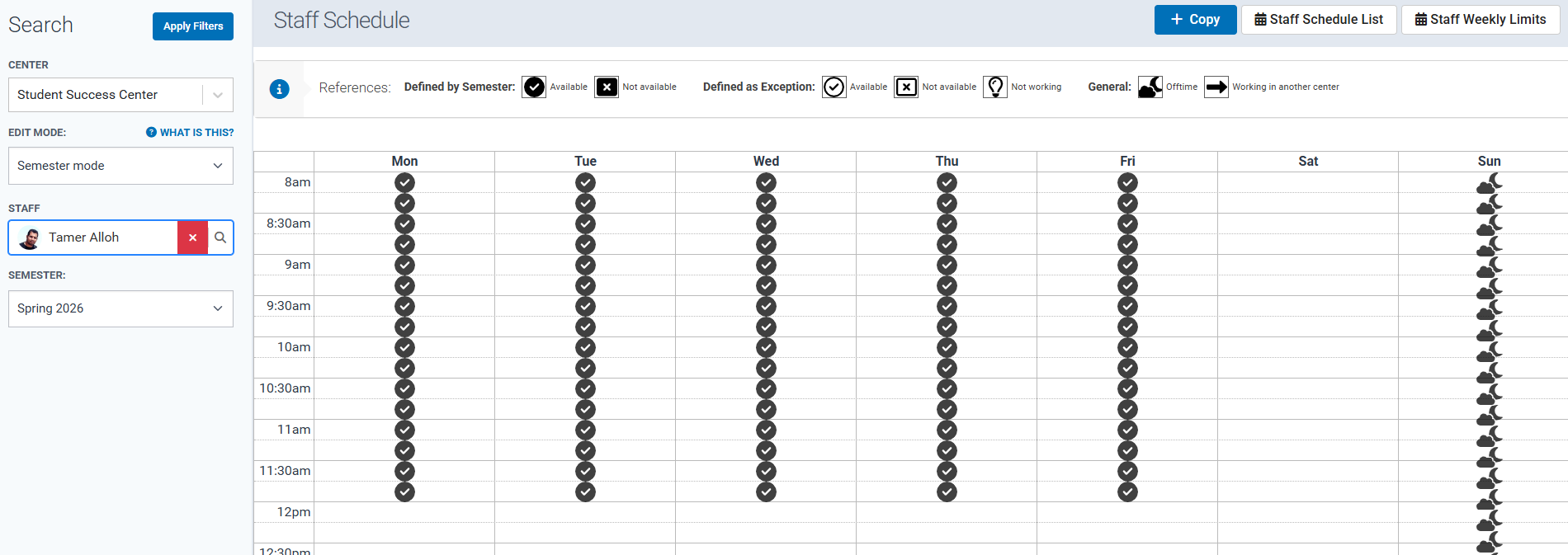
Linda Hucks - There is a colorblind mode that can be enabled in the top-right corner of the screen that will make the calendars use black and white symbols on the schedule or daily viewer screens, instead of using any colors to represent the timeslots. Once selected, it will look something like the screenshots below.

Mar 20, 2026

Nick Armstrong Great! And that could open the door to integrating different color schemes on the schedule. It will help if that can be implemented. We have the schedule up on large monitors all day for students to see, so making that screen that is easy to read and pleasing to the eyes will make a difference. :)

Mar 20, 2026

Linda Hucks - Please check it out in your account, as this is available now.

Mar 20, 2026

Nick Armstrong Where can we find it?

Mar 20, 2026

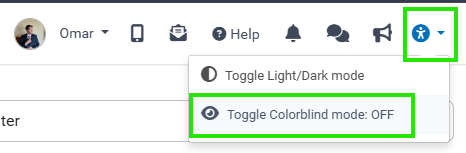
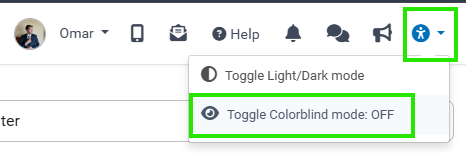
Linda Hucks - On the top menu bar, all the way to the right, there is an accessibility icon you can click, and then click the toggle for "Colorblind mode" on/off.

Mar 20, 2026

Nick Armstrong I was referring to implementing an option to change color schemes, not the accessible option. Thanks!

Mar 20, 2026

Linda Hucks: Yes, that's not currently available. Thanks for the feedback!

Mar 18, 2025

Along the same note, it would help to have color coding available in general so I can indicate a difference in service. For example, some of our tutors are online only for some hours and I would like to indicate that difference.

Oct 17, 2024

I was just about to put this in as a suggestion! This would be so helpful, especially when needing to cancel ALL appointments in order to easily see which ones are future appointments and past appointments in order to cancel.